Fix ATS Friendly Resume Design in Two Minutes With a Parse Test
Fix ATS Friendly Resume Design in Two Minutes With a Parse Test
Use a single-column, table-free resume with standard headings, saved as a text-based PDF or .docx, and read every job posting’s format instructions before you upload. Skip sidebars, columns, headers, and footers for contact information. Then run a two-minute parse test before you hit submit. That single habit fixes most of the rejections job seekers never see coming.
TL;DR:
- Using a single-column resume layout with standard section headings and no graphics ensures the applicant tracking system accurately parses all critical information.
- Contact details should be placed within the main body of the document, not in headers or footers, to prevent them from being skipped by parsers.
- Saving resumes as text-based PDFs or .docx files maintains text selectability and avoids unreadable or missed data in ATS scans.
- Avoiding tables, sidebars, icons, and images prevents misreading or omitting essential sections like work history and skills during parsing.
- Running quick manual tests by copying the resume into plain text and using ATS checkers helps verify proper parsing before submitting applications.
Table of Contents
- What Makes a Resume Design ATS-Friendly?
- Essential Layout Rules for Headings, Contact Info, and Skills
- What to Avoid: Tables, Sidebars, Icons, and Photos
- Fonts, Dates, and File Types That Parse Correctly
- How Do You Test if Your Resume Will Parse Correctly?
- How ResumeMatch Can Help You Skip the Guesswork
- The Parsing Mistakes That Quietly Tank Applications
- Design for the Parser, Write for the Person
- Try a Faster Path With ResumeMatch
- Where to Verify Your Template Choices
- Sources
- FAQ
What Makes a Resume Design ATS-Friendly?
An applicant tracking system reads top to bottom, left to right, matching what it finds against fields it already expects: name, title, dates, skills. When your layout follows that same order, the parser maps your content correctly. When it doesn’t, fields get scrambled or dropped entirely, and a hiring manager never sees them.
A single-column flow is the safest structural choice you can make. Two-column and sidebar designs force the parser to guess which block comes first, and it often reads across columns instead of down them, mixing your job title with a skill from the sidebar. EvoResume’s tested 2026 template research found single-column templates performed most reliably across the major ATS platforms it checked, which lines up with what recruiters have said for years.
Here’s the part most people miss: style choices and structural choices are not the same risk category.
- Style choices are usually safe. Bold section headers, a colored name at the top, or a slightly larger font rarely trip up a parser.
- Structural choices are the real danger. Columns, tables, text boxes, and headers/footers holding contact details can hide entire sections from the system.
Keep the visual polish. Just keep it inside a layout the parser can walk through in order.
Essential Layout Rules for Headings, Contact Info, and Skills
Getting the ATS-friendly resign layout right comes down to a short list of non-negotiable choices. Follow these in order:
- Use standard section names. Stick to Summary (or Professional Summary), Experience, Skills, Education, and Certifications or Projects if relevant. A creative header like “My Journey” or “What I Bring” won’t map to any field the parser recognizes.
- Put contact details in the body, not the header or footer. Many parsers skip header/footer zones entirely, which means your phone number and email vanish before a recruiter ever opens the file. Place your name, phone, email, city, and state as the first lines of the document itself.
- List skills as a plain line or simple bullets. A comma-separated skills line in the main column parses cleanly. Skill bars, star ratings, or nested tables do not.
- Use plain round or square bullets. Decorative Unicode symbols such as arrows or checkmarks sometimes render as garbled characters or get dropped when the text is extracted.
Indeed’s guidance on ATS resumes backs this same approach: clear section labels, no headers or tables, and content that speaks the parser’s language before it speaks a designer’s.
What to Avoid: Tables, Sidebars, Icons, and Photos
Two-column sidebars are the single most common reason a strong candidate gets filtered out before a human ever sees the resume. They often scramble the reading order, pulling a date from one column and a job title from another, then presenting the mismatch as your actual work history. If your template has one, move that content into the main flow instead of deleting it outright.
Tables and text boxes used purely for spacing cause the same problem. Convert any table you’re using for alignment into tab stops or a simple right-aligned date field.
- Icons next to “Phone” or “Email” labels add zero parsing value and sometimes get read as stray characters.
- Graphical skill bars or star ratings can’t be quantified by a parser, so the actual skill often disappears along with the graphic.
- Headshots and photos are a similar trade-off: fine for a networking profile or a portfolio piece, but they add nothing to a resume built for automated screening.
Save the visual flourishes for a version you hand out directly, not the one you upload to a portal.
Fonts, Dates, and File Types That Parse Correctly
Small formatting choices decide whether your text stays selectable or turns into a wall of garbled symbols. A few rules cover almost every case:
- Fonts: Arial, Calibri, Helvetica, Times New Roman, or Garamond. Keep body text at 10 to 12 point and your name at 14 to 18 point.
- Dates: Use a format like “Jan 2021 – Present” or “Jan 2021 – Mar 2024,” and keep the format identical across every role listed.
- File type: Upload a .docx if the posting asks for one; otherwise, a text-based PDF exported directly from Word or Google Docs is generally safe. Avoid PDFs created from a scanned image.
- Margins and length: Keep margins between 0.5 and 1 inch. One page usually covers under 10 years of experience; two pages fit longer careers, which our guide to two-page resumes walks through in more detail.
ATS-Friendly Resume Format Guide (2026) confirms this same combination, single column, standard headings, consistent dates, as the core rule set most conservative templates follow.
How Do You Test if Your Resume Will Parse Correctly?
Testing takes less time than writing one more bullet point, and it catches problems no amount of visual polish will fix. Run this before every submission that matters:
- Copy every line of text out of your exported PDF and paste it into Notepad or TextEdit. Check that your name, most recent title, dates, and skills appear in the right order and nothing is missing.
- Run a free ATS checker or parser preview like Resyme. Look for the same fields; if your skills section or dates go missing in the preview, the structure needs fixing before the wording does.
- Walk through a final checklist: contact info visible in the body, every role and date pair present, your top three bullets under each job quantified, skills sitting in the main column, and your summary echoing the actual job title you’re applying for.
Pro Tip: Keep a plain-text version of your resume saved separately. If a portal’s upload field ever balks at your PDF, you can paste that plain text directly into the application form without losing a single detail.
How ResumeMatch Can Help You Skip the Guesswork
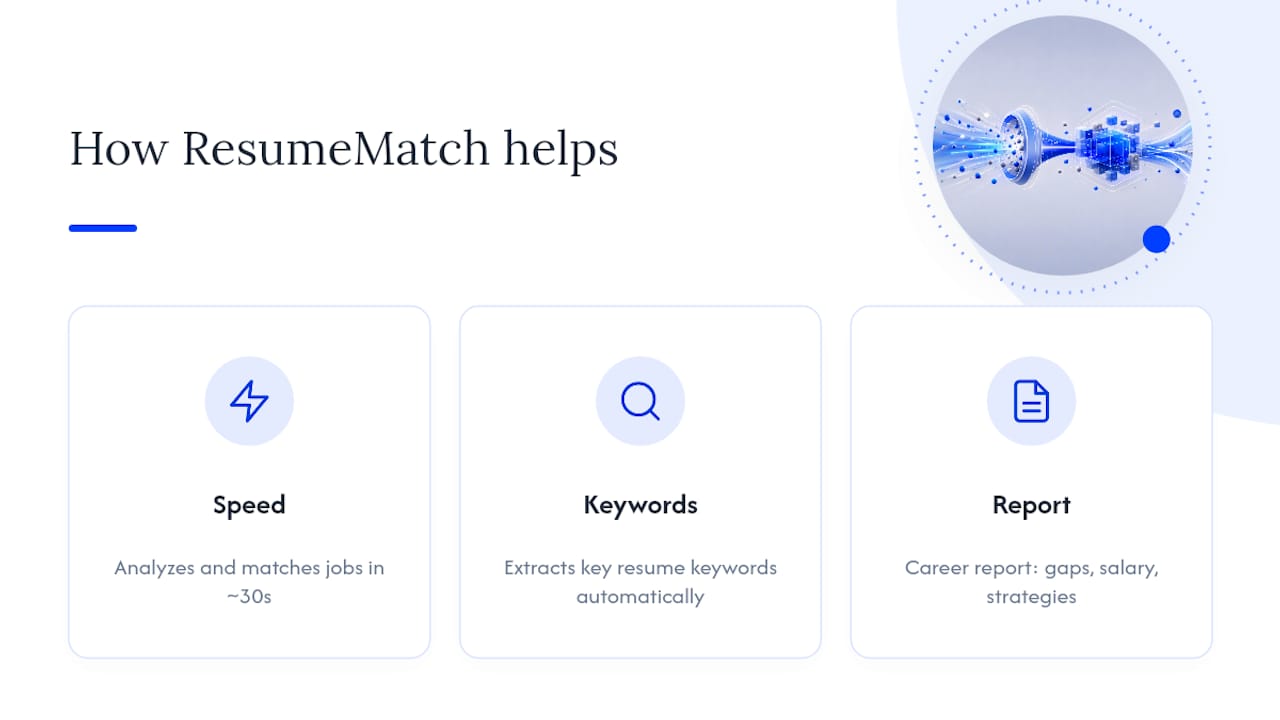
Rebuilding a template by hand and testing every export works, but it takes time you might not have between applications. An AI-powered tool analyzes your resume, extracts key keywords, and matches you to job listings across multiple boards in about 30 seconds. A comprehensive Career Probability Report can provide insights into resume gaps, salary information, and personalized strategies so you know what to fix before a recruiter reviews your file.
If you’re short on time or want a data-driven second opinion on which skills to prioritize, that kind of automated pass can catch things a manual review misses. It’s a fit especially if you’d rather have the keyword tuning done for you than compare fonts and margins yourself.
The Parsing Mistakes That Quietly Tank Applications
Most rejected applications never come back with an explanation, which is exactly why these mistakes are so easy to repeat without knowing it.
Using a resume template built for humans, not machines. Many polished templates from design marketplaces market themselves as “ATS-friendly” while still relying on columns or graphics underneath. Canva’s own template collections include this exact tension: attractive layouts that still need a careful check before you trust them with a real application.
Saving as an image-based PDF. If your PDF came from a scan or an image export, there’s no selectable text underneath for a parser to read at all. This is one of the fastest ways to submit a resume that looks complete and reads as blank.
Inconsistent date formats across jobs. Mixing “March 2021” with “3/2021” and “Mar '21” confuses systems trying to calculate your total years of experience.
Overstuffed keyword sections that don’t match sentence structure. Piling in every possible keyword without context can trigger spam filters on some systems rather than boosting your match score.
Skipping the job description entirely. A resume that doesn’t mirror the language of the posting, especially in the skills and summary sections, loses ranking even when it parses perfectly. Our guide to resume keywords for project managers shows what that mirroring looks like in practice for one common role.
Forgetting to check header and footer zones. Contact details tucked into a header often vanish completely once the parser strips the file down to plain text.
Design for the Parser, Write for the Person
Here’s the balance I keep coming back to: build one ATS-safe file for every portal you submit through, and keep a second, more designed version for direct outreach or networking. Bullets should stay outcome-driven no matter which version you’re looking at, and the structure needs to stay predictable enough that a parser never has to guess. Templates are a starting point, not a finish line. Tailor the content to each job before you send it.
— Resume
Try a Faster Path With ResumeMatch
Rebuilding your own template and running parse tests works, but it takes real time you might not have when you’re applying to a dozen roles a week. This type of service provides an automated route: analyzing your resume, extracting important keywords, and matching you to live job listings across multiple boards in about 30 seconds, along with a Career Probability Report covering resume gaps, salary insights, and a personalized strategy.
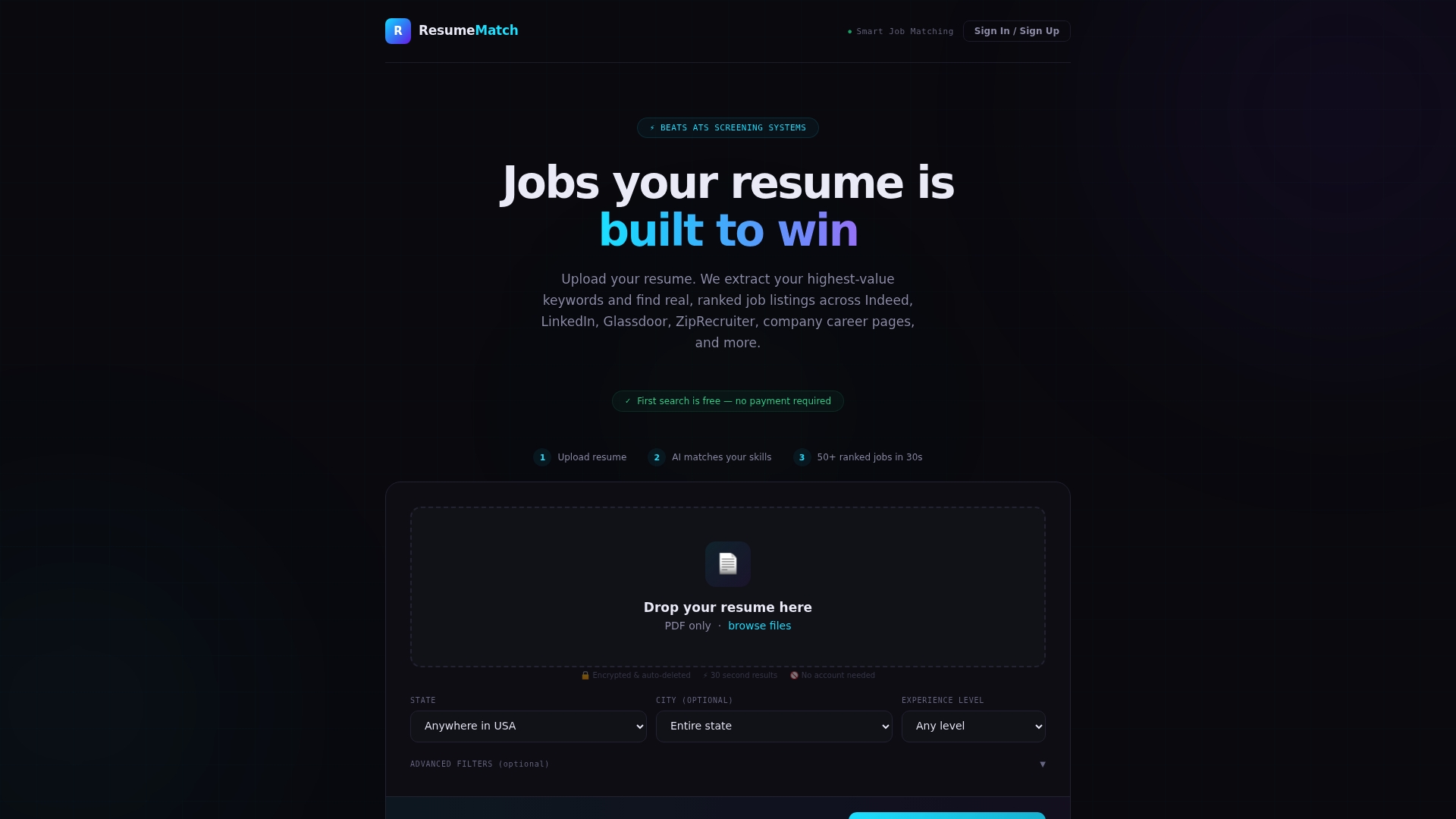
If you’d rather not tune every keyword and export setting yourself, the ResumeMatch Membership runs $15 per month after your trial. For readers who want to hand off the applying itself, the Let Us Apply For You service is a $50 one-time option where an agent submits applications on your behalf. Start by checking your resume on the ResumeMatch homepage to see where your current file stands.
Where to Verify Your Template Choices
For hands-on building, Microsoft’s ATS resume templates in Word offer editable, single-column starting points. Preview any marketplace template’s exported PDF before trusting it, and confirm parsing with a free ATS checker or the copy-paste test.
Sources
- ATS-Friendly Resume Format Guide (2026) | ATS Verification
- Best ATS Resume Template 2026, Tested · EvoResume
FAQ
What Is the Safest File Format for an ATS Resume?
A text-based PDF exported directly from Word or Google Docs is generally safe, since the text stays selectable. Upload a .docx instead only when the job posting specifically asks for one.
Can I Use Google Docs to Build an ATS-Friendly Resume?
Yes. Google Docs works fine as long as you stick to a single-column layout, standard section headings, and export to a text-based PDF rather than an image file. The formatting rules that apply to Word apply the same way here.
Are Canva Templates ATS-Friendly?
Some are, but many marketed as “ATS-friendly” still use columns, icons, or graphics that scramble parsing. Preview the exported PDF or run it through a checker before you trust one.
How Do I Know if My Resume Passed an ATS Scan?
Copy the text from your exported file into a plain text editor and check that your name, job titles, dates, and skills all appear in the correct order. A free ATS checker or parser preview tool gives you the same confirmation.
Does ResumeMatch Check My Resume for ATS Compatibility?
ResumeMatch analyzes your resume and extracts the keywords that matter for the jobs you’re targeting, then matches you to listings across multiple boards. The ResumeMatch Membership costs $15 per month and includes the full Career Probability Report alongside that analysis.