
Map LinkedIn Profile Keywords to Recruiter Fields with 3 2 1 Headline Rule
Map LinkedIn Profile Keywords to Recruiter Fields with 3 2 1 Headline Rule

Put your target job title, two or three niche skills or tools, and one measurable value phrase into your headline and top summary, then map supporting keywords into your experience bullets and Skills section. Aim for a small number of tokens in your headline and a moderate list of skills total. Update your headline first, then your About section, then your top experience bullets, and finally your Skills list.
TL;DR:
- Ensuring your LinkedIn profile contains targeted keywords in the headline, about, experience, skills, and certification sections improves recruiter searches and visibility.
- Prioritize relevant skills, tools, and certifications from job descriptions and top profiles, then map these keywords strategically across profile sections.
- Use the 3-2-1 headline rule to create a concise, keyword-rich headline featuring your target title, niche skills, supporting tools, and measurable outcomes.
- Avoid keyword stuffing and vague buzzwords by focusing on concrete, verifiable skills and achievements that recruiters actively search for.
- An AI resume analysis tool can quickly generate a ranked, actionable keyword list aligned with current job postings, enhancing both profile relevance and search rankings.
Table of Contents
- Why LinkedIn keywords matter and how recruiters find candidates
- Where to add keywords across your profile sections
- How to find and prioritize the right keywords
- The 3-2-1 rule for a keyword-dense but readable headline
- Keyword categories and sample lists by function
- Common mistakes that hurt your keyword strategy
- How AI resume analysis can speed up keyword research
- Balancing personal brand with recruiter discoverability
- Let ResumeMatch map your keywords for you
- FAQ
- Sources
Why LinkedIn keywords matter and how recruiters find candidates
Recruiters rarely scroll through hundreds of profiles one by one. They search and filter, and LinkedIn’s search index rewards profiles that match the exact words typed into that search box. LinkedIn’s own guidance points recruiters and job seekers alike toward the same high-visibility fields: headline, About, experience, and skills. If your profile doesn’t contain the words a recruiter is searching for, you won’t show up, no matter how qualified you are.
This matters more now than it did a few years back. SHRM reports growing adoption of AI tools across talent acquisition, and that shift pushes recruiter workflows toward structured candidate data rather than freeform reading. When a recruiter’s search tool is matching against specific fields and filters, a profile built around clear, filterable tokens performs better than one built around clever but vague self-description.
A few fields carry outsized weight:
- Job title and headline: the first thing LinkedIn’s search algorithm and a scanning recruiter both see.
- Skills section: directly filterable, so the terms you list need to match how recruiters search.
- Certifications and licenses: specific, verifiable, and often used as search filters for regulated or technical roles.
What should you expect once you fix these fields? Not a flood of messages overnight, but a steady increase in relevant profile views and more recruiter outreach that actually matches your target role, since you’re now showing up in the searches that matter instead of the ones that don’t.
Where to add keywords across your profile sections
Each section of your profile plays a different role in search and in the split second a recruiter spends deciding whether to click further. Treat them as separate jobs, not one long keyword dump.
- Headline: Use a format like “Target Title | Niche Skill + Niche Skill | Value Phrase” and keep it to two to four meaningful tokens. A headline that just repeats your current job title wastes the most visible real estate on your profile.
- About: Open with your target title and one or two core skills in the first sentence, since LinkedIn truncates this section quickly. Weave the rest of your keywords into two or three short achievement statements rather than listing them.
- Experience: Insert tools, methodologies, and measurable outcomes directly into bullet points, for example “led migration to Salesforce, cutting reporting time by half” instead of a bare duty list.
- Skills and endorsements: Order your top three to five skills to match your target role exactly, since LinkedIn gives special weight to the skills listed first and most endorsed.
- Certifications and projects: Spell out vendor and methodology names in full, such as “Certified Scrum Master” or “AWS Certified Solutions Architect,” since these function as direct search filters.
This section-by-section approach keeps your profile readable for a human while still hitting the structured fields a recruiter’s search tool scans first.
How to find and prioritize the right keywords
Good keywords come from evidence, not guesswork. This workflow turns scattered research into a short, prioritized list you can map directly onto your profile.
- Collect job descriptions. Pull five to ten postings for your target title and note every skill, tool, and qualification that repeats across them.
- Audit top profiles. Look at people already working in your target role and pay attention to their headline structure and the first five skills they list, a tactic career-strategist guidance regularly recommends.
- Expand your list. Check LinkedIn’s own Skills suggestions, course titles on LinkedIn Learning, and the dedicated skills sections on job postings for terms you may have missed.
- Validate with search. Type candidate keywords into LinkedIn’s search bar and watch the autocomplete suggestions, since they reflect real search volume and phrasing.
- Prioritize and map. Rank your final list by relevance to your target title, then assign each term to a specific field: headline, About, a bullet point, or Skills.
Pro Tip: Keep a simple spreadsheet with three columns, keyword, source posting, and target profile field, so you can update it in minutes when your job search shifts direction.
This process doesn’t need to take more than an hour once you have the job postings in front of you. The goal isn’t an exhaustive list, it’s a short set of terms you can defend in an interview and that actually appear in the roles you want.
The 3-2-1 rule for a keyword-dense but readable headline
A simple rule beats a vague instinct when you’re staring at the 220-character headline field. The 3-2-1 rule gives you a repeatable structure: three headline tokens built from your title plus one or two niche skills, two supporting words or tools placed right after, and one short value or outcome phrase to close it out. LinkedIn Learning’s tutorial on visibility points to this kind of concise, high-density phrasing as one of the fastest ways to raise a profile’s visibility, and a clear rule like this one helps when you’re updating a profile between job applications and don’t have time to overthink it.
Three quick examples show how it adapts across experience levels:
- Entry-level: “Marketing Coordinator | Content Strategy, SEO | Grew blog traffic 40% in 6 months.”
- Mid-career: “Senior Product Manager | Roadmapping, A/B Testing | Shipped 3 features adopted by 500K users.”
- Senior: “VP of Operations | Supply Chain, P&L Management | Cut fulfillment costs 18% year over year.”
Each one leads with a clear title, names concrete skills, and closes with a result a recruiter can act on instead of a vague claim like “results-driven professional.”
Keyword categories and sample lists by function
Most roles pull keywords from five buckets: job title, core skills, tools, certifications, and domain or industry terms. Building your list bucket by bucket keeps you from missing an entire category, and compiled keyword lists by function are a common starting point for job seekers short on time.
A few starting points to adapt, not copy verbatim:
- Technology: Python, AWS, CI/CD, Kubernetes, data pipelines, machine learning, full-stack development.
- Marketing: SEO, content strategy, marketing automation, HubSpot, Google Analytics, demand generation.
- Product: product roadmapping, user research, A/B testing, Jira, stakeholder management, go-to-market strategy.
- Operations: supply chain management, process improvement, Six Sigma, vendor negotiation, inventory forecasting.
Swap any vague buzzword for a concrete, verifiable phrase. “Team player” tells a recruiter nothing searchable, but “led a cross-functional team of 8 across product and engineering” names a skill, a scope, and a result in one line. The same logic applies to “detail-oriented,” which becomes “reduced reporting errors through a redesigned QA checklist.” If you’re job-hunting for a structured role like project management, a list of role-specific keywords can help you see which concrete phrases recruiters in that field actually search for.
Common mistakes that hurt your keyword strategy
Most keyword mistakes come from overcorrecting, either stuffing every possible term into a paragraph or playing it so safe the profile says nothing at all.
- Keyword stuffing: Listing ten tools back to back in a sentence reads as spam to both LinkedIn’s algorithm and a human recruiter. Fold terms into natural achievement statements instead.
- Vague buzzwords: Words like “hardworking” or “passionate” don’t match any recruiter search. Replace them with a named skill, tool, or metric.
- Headline and experience mismatch: If your headline claims “Data Scientist” but your experience section only lists analyst duties, recruiters will skip past you at the next filter.
- Skills that don’t match your bullets: A Skills section padded with terms you’ve never used in a real project creates a credibility gap the moment someone asks about it in an interview.
The fix for nearly all of these is the same: read your profile the way a recruiter would, scanning for the exact words in a job posting, and tighten any gap between what you claim and what your experience actually backs up.
How AI resume analysis can speed up keyword research
Manually comparing job postings and top profiles works, but it takes time most job seekers don’t have between applications. An AI-driven resume analysis tool can shortcut a lot of that research by scanning your resume, extracting the skills and terms already embedded in it, and ranking them against real job listings.
Here’s roughly how that kind of workflow runs:
- Upload your resume and the tool extracts your existing skills, tools, and achievement phrases.
- It ranks those terms by relevance to live job postings in your target field.
- It maps the highest-value terms to specific LinkedIn fields, headline, About, or Skills, so you’re not guessing where each one belongs.
A Career Probability Report style output takes this further, pairing the ranked keyword list with salary insights and a gap analysis that shows which skills are missing relative to your target roles. That combination gives you a prioritized list and the context for why each term matters, instead of just a pile of words to paste into your profile.
Pro Tip: Treat an AI-generated keyword list as a starting draft, not a final script. Rewrite each term into your own sentence so your profile still sounds like you, not like a keyword scraper.

Balancing personal brand with recruiter discoverability
Early in a job search, filterable tokens win. Title, skills, and certifications get you into the search results in the first place, and no amount of personality in your About section matters if you never show up. Once you’re being found consistently, that’s when it’s worth layering in the voice and story that make a recruiter want to keep reading.
If you only have twenty minutes, spend it on your headline and your top three experience bullets. Everything else is secondary. And whatever keywords you choose, make sure your experience actually backs them up: credibility beats keyword cleverness every time a recruiter picks up the phone.
— Resume
Let ResumeMatch map your keywords for you
If the manual research above sounds useful but slow, we built a faster path. Our AI resume analysis pulls the skills and achievements already in your resume, ranks them against live job listings, and hands you a prioritized keyword list mapped to the exact LinkedIn fields where each one belongs.
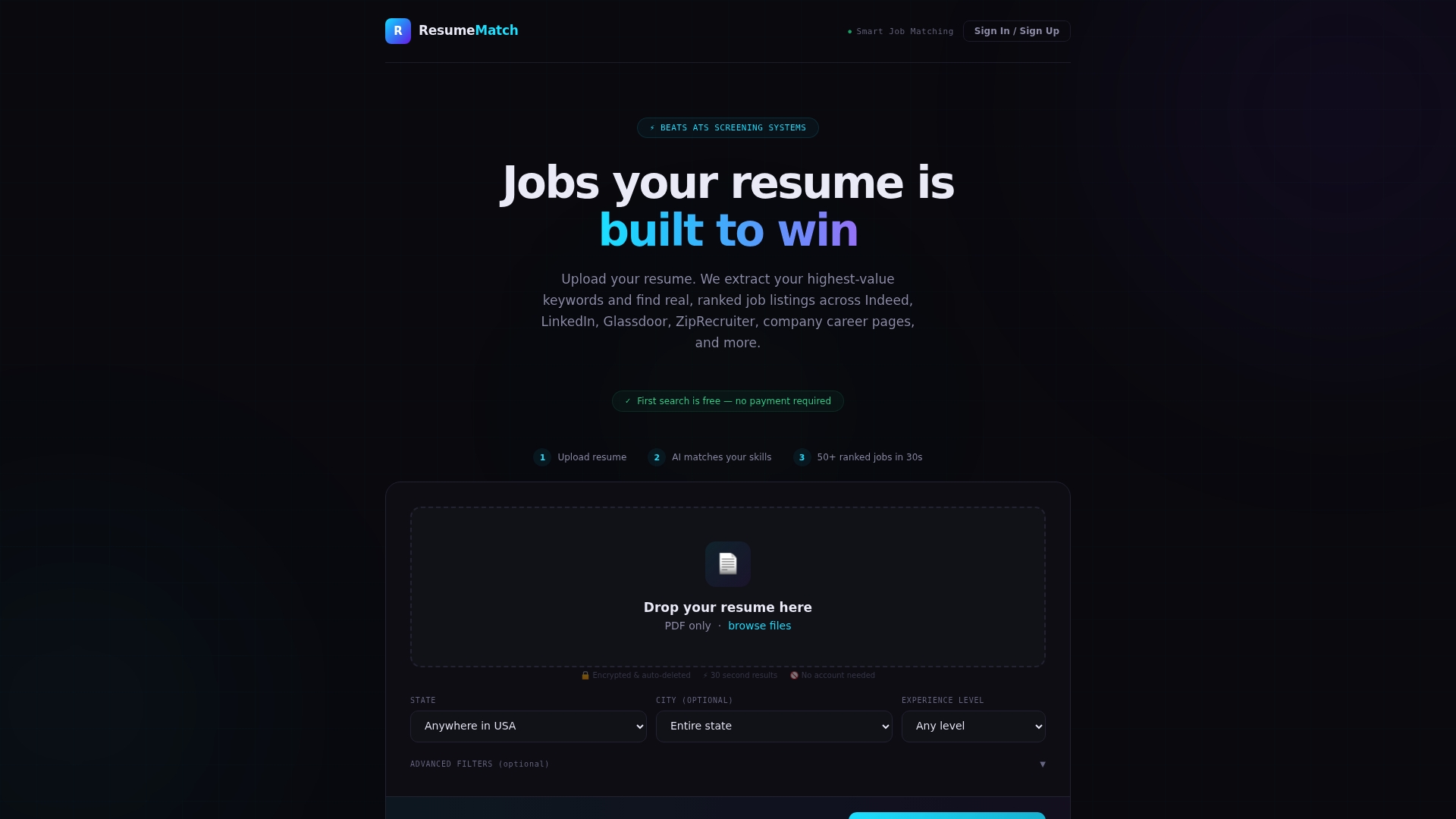
- Upload your resume and get a ranked keyword list in about 30 seconds instead of an afternoon of manual research.
- Your Career Probability Report pairs that list with salary insights and a gap analysis, so you know which skills are worth adding before your next application.
- If you’d rather skip the applying altogether, our Let Us Apply For You service puts the matching and outreach in our hands for a one-time $50 fee.
Start with your resume at Resume-match and see your ranked keyword list before you touch your LinkedIn profile again. For more on how keyword strategy carries over between your resume and your profile, our blog has deeper reads on skills-based matching and resume optimization.
FAQ
What are some good keywords to use in my LinkedIn profile?
The strongest keywords combine your target job title, two or three niche skills or tools specific to that role, and any certifications tied to it. Pull these directly from job postings you’re applying to and from the Skills sections of people already working in that role, rather than guessing at generic industry terms.
What is the 3-2-1 rule on LinkedIn?
The 3-2-1 rule is a simple headline formula: three core tokens built from your title plus one or two niche skills, two supporting words or tools, and one short value or outcome phrase. It’s a quick way to pack a headline with searchable terms while keeping it readable, a structure LinkedIn Learning’s visibility guidance points toward as well.
What are the 12 main parts of a LinkedIn profile?
Definitions vary by source, but the sections job seekers most commonly optimize include the headline, profile photo, About summary, experience, education, skills, certifications, projects, recommendations, featured content, volunteer experience, and accomplishments. Of these, LinkedIn’s own guidance singles out headline, About, experience, and skills as the fields with the biggest impact on search visibility.
What are the best taglines for LinkedIn?
The best taglines, meaning headlines, name your target title, include one or two specific skills or tools, and close with a measurable result or value phrase. Avoid generic phrases like “passionate professional” in favor of concrete terms a recruiter would actually type into a search bar.