
Mid Career Pivot Resume Format That Passes ATS
Mid Career Pivot Resume Format That Passes ATS

The combination resume format wins for career changers: a targeted summary up top, a skills section right below it, and dated work history further down to keep everything ATS-transparent. This structure leads with what you can do for the new role instead of where you’ve already done it, which matters more when your job titles don’t match your target industry. The rest of this guide walks through the exact structure, word choices, and formatting rules that make it work, plus templates and a final checklist so you’re not guessing.
TL;DR:
- The combination resume format emphasizes skills and achievements relevant to the target role, placing them above the work history for better ATS and recruiter visibility.
- A strong summary clearly states the desired role, supports it with proof points from existing experience, and avoids defensive language, making the pivot credible.
- Keywords from targeted job postings should guide the skills section, organized into categories with evidence, to optimize ATS matching and demonstrate field-specific competence.
- Bullets in work history should prioritize outcomes and measurable results first, with context and tools only adding credibility, to clearly showcase impact.
- Formatting must follow ATS-friendly rules, using a single-column layout, standard fonts, and precise language that mirrors the job description for better system parsing and ranking.
Table of Contents
- Chronological, Functional, or Combination: Which One Actually Works
- Writing a Summary That Names Your Destination Role
- Build a Skills Section That Speaks the New Field’s Language
- Rewrite Your Bullets So the Result Comes First
- Show Your Pivot in Progress With a Projects or Relevant Experience Block
- Placing Education and Certifications So They Support the Pivot
- The ATS Formatting Rules That Keep Parsers From Losing Your Resume
- Templates: What the Top Third Should Actually Look Like
- Final Checklist Before You Hit Submit
- Why Your Resume’s Language Decides the Pivot, Not Your Title
- An Optional Next Step for Validating Your Career-Change Resume
- Sources
- FAQ
Chronological, Functional, or Combination: Which One Actually Works
Three resume formats exist, and only one of them makes sense for most career changers. A chronological resume lists jobs by date, newest first, and works well when your last title matches the one you want next. A functional resume groups content by skill category and hides dates almost entirely, which sounds appealing when your job history doesn’t match your target field, but it tends to backfire.
Practitioner guidance on career change resumes points out that pure functional formats often raise red flags with both recruiters and applicant tracking systems, since the missing dates read as an attempt to hide gaps or a scattered history. Recruiters notice, and ATS parsers can struggle to extract a clean work timeline at all.
The combination format splits the difference. You get the skills-first visibility of a functional resume with the dated transparency of a chronological one, which is why it’s become the practical default for mid-career pivots.
For structure, follow this order:
- Professional summary naming your target role and top qualifications
- Skills section organized into two or three field-relevant categories
- Relevant projects or experience block, if you have supporting work to show
- Dated work history, most recent job first, with achievement-focused bullets
- Education and certifications, placed to support the pivot rather than pad the page
This order puts your best evidence for the new role in the first third of the page, where both a scanning recruiter and an ATS parser weigh content most heavily.
Writing a Summary That Names Your Destination Role
Your summary has one job: tell the reader what role you’re going for and why you’re credible for it, in three or four lines. Most career-change resumes fail here because the summary reads defensively, apologizing for the pivot instead of making the case for it.
Career coaches and business school guidance recommend cutting that defensive framing entirely and replacing it with a summary that names the target role and lists two to three transferable proof points instead of explaining your career history. A bold, forward-looking statement beats a cautious one every time.
Use this three-move formula:
- State the target role or field directly, in the first line
- Back it with two or three specific proof points from your existing experience
- Close with what you bring next: a skill, a certification, or a concrete outcome you’re aiming to deliver
Weak: “Experienced professional seeking to transition into project management after several years in retail.”
Strong: “Operations-focused project coordinator with five years leading cross-functional retail teams, a PMP certification in progress, and a track record of cutting inventory shrink by tightening vendor schedules.”
The second version names the role, offers proof, and signals current effort. It reads like someone already doing the job, not someone asking for a chance.
Pro Tip: Write your summary last, after you’ve drafted your skills and bullets. It’s easier to summarize proof you’ve already written down than to write proof to match a summary.
Build a Skills Section That Speaks the New Field’s Language

Your skills section is where keyword matching happens, and it’s the section most career changers get wrong by listing skills from their old job instead of the one they want, which is why understanding how AI talent screening works can help tailor your resume effectively. Learn more about AI talent screening. University career guidance recommends pulling three to five job postings in your target field and noting which skills and phrases show up repeatedly across all of them.
Once you have that list, organize it into categories rather than one long unsorted line. A career changer moving into project management might use headers like “Project Coordination,” “Team Leadership,” and “Process Improvement,” each with three or four specific skills underneath.
- Pull recurring keywords from multiple postings, not just one, so you’re matching the field, not a single job ad
- Group skills under two or three field-specific category headers instead of one flat list
- Cap each category at three to six skills so the section stays scannable, not a wall of text
- Back at least one or two skills per category with a short line of evidence, like where you used it
Avoid listing a skill you can’t speak to in an interview. A recruiter who asks about “data analysis” and gets a blank look will remember that more than the resume did anything right.
Rewrite Your Bullets So the Result Comes First
The biggest translation problem in a career-change resume isn’t the summary or the skills section, it’s the work history. Most people write bullets the way they’d describe their job to a coworker: context first, result last. That buries the part a hiring manager actually cares about.
Flip it. Lead with the outcome, then give just enough context to make it credible. This reversed structure surfaces impact fast and still gives the ATS the keywords it needs, since most of those keywords live in the outcome language anyway.
- State the measurable result or change first
- Add the specific action that produced it
- Close with the tool, scale, or team size, only if it strengthens the claim
Weak: “Responsible for scheduling and managing a team of bartenders during busy weekend shifts.”
Strong: “Cut staff scheduling conflicts by 40% by building a rotation system for a 12-person bartending team, a process later adopted by two other locations.”
Weak: “Handled customer complaints and resolved issues at the front desk.”
Strong: “Resolved escalated customer complaints within one shift on average, protecting a 4.8-star guest satisfaction rating across 200-plus monthly interactions.”
Keep older or less relevant roles short, two bullets at most, and expand the roles that show transferable evidence even when the title doesn’t match. If you were promoted, say so in the role line itself rather than burying it in a bullet: “Promoted from Server to Shift Lead” tells a story your job titles alone can’t.
Pro Tip: If a bullet doesn’t mention a number, a scale, or a specific outcome, rewrite it. “Managed inventory” says nothing; “Managed a $50,000 monthly inventory budget across three vendors” says everything.
Show Your Pivot in Progress With a Projects or Relevant Experience Block
If you’ve done any work in your target field outside a paid job, a bootcamp project, freelance client, volunteer role, or a certification capstone, give it its own section. This is one of the most useful moves for a career changer because it gives the ATS and the recruiter proof beyond your job titles.
Format these entries the same way you’d format a job: a title, a date, and two or three outcome-first bullets naming the tools you used and what resulted.
- Include freelance, volunteer, and coursework projects if they demonstrate skills your paid history doesn’t
- Describe scale and outcome the same way you would a job bullet, with a number where possible
- Place this block above your dated work history if it’s stronger evidence for the target role than your most recent job
- Label the section “Relevant Projects” or “Relevant Experience,” never “Hobbies,” to keep it credible
A three-month freelance project that used the exact tools your target job requires can outweigh three years in an unrelated role.
Placing Education and Certifications So They Support the Pivot
Recent, job-relevant certificates belong just below your skills section, not buried at the bottom of the page, because they’re current proof you’re building competence in the new field right now.
Older degrees stay in a standard Education block near the bottom, with coursework listed only if it’s directly relevant to the target role. A marketing degree from a decade ago doesn’t need a course list; a recent data analytics certificate does.
- Put in-progress or recently completed certifications near the top, close to your skills section
- List degrees with school and year only, unless specific coursework strengthens your case
- Create a separate “Certifications” or “Professional Development” subsection once you have three or more credentials worth naming
- Drop outdated or unrelated certifications that don’t support the new direction
The ATS Formatting Rules That Keep Parsers From Losing Your Resume
Even a perfectly written resume fails if the applicant tracking system can’t read it. U.S. Department of Labor resume guidance recommends one to two pages, left alignment, clear margins, and 10 to 12 point fonts as baseline formatting for any resume, targeted or not.
Stick to a single column. Multi-column layouts, tables, and text boxes often scramble when an ATS extracts content, sometimes reordering your work history or dropping sections entirely. Stay with standard fonts like Calibri, Arial, or Helvetica, and keep headings consistent so the parser can identify each section correctly.
- Use a single-column layout with no tables, text boxes, or embedded images
- Stick to Calibri, Arial, or Helvetica at 10 to 12 point body text
- Keep vital details, your name, contact info, and dates, out of headers and footers, since some parsers skip them
- Save as .docx unless the posting specifically asks for a PDF, then check which the employer’s system prefers
- Before submitting, copy your resume text into a plain text editor to confirm nothing got scrambled
Modern hiring systems score resumes on how closely their language matches the job posting. A resume written in your old industry’s vocabulary can score poorly for a new-field role even when the underlying experience is a strong fit, which is why mirroring the posting’s exact terms in your summary, skills, and bullets matters as much as the formatting itself.
Templates: What the Top Third Should Actually Look Like
A one-page hybrid template works for most mid-career changers. Header with name and contact info, then summary, then a two-category skills section, then one Relevant Projects entry, then dated work history, then education. That’s the whole page, and it should read cleanly in under 20 seconds.
A two-page version makes sense for senior pivots with 15-plus years of experience. Page one repeats the same top-third structure, summary, skills, projects, and the first page of work history. Page two carries a simple header (name and “Page 2”) and continues the work history and education.
Here’s what a strong top third looks like in practice:
| Section | Content example |
|---|---|
| Summary | Names target role, two to three proof points, one forward-looking statement |
| Skills (Category 1) | Project Coordination: scheduling, budgeting, vendor management |
| Skills (Category 2) | Team Leadership: staff training, conflict resolution, performance reviews |
| Relevant Project | “Led a 3-month volunteer coordination project for a local nonprofit, managing 15 volunteers across two events” |
Everything above the work history should point at the target role, not the last one you held. If a recruiter reads only that top third, they should already know what you’re going for and why you’re worth a second look.
Final Checklist Before You Hit Submit
Run through this before sending any career-change resume out. Most rejections come from small, fixable issues, not from a lack of qualifications.
- Confirm the top third names your target role and includes your strongest proof points
- Match the posting’s exact keywords in your summary, skills, and at least two bullets
- Paste your resume into plain text to catch anything an ATS might scramble
- Proofread once for typos, then once more out loud to catch awkward phrasing
- Save the file as “FirstName-LastName-Resume.docx” and confirm the file type the posting requests
| Priority | Why it matters |
|---|---|
| Top-third targeting | Recruiters and ATS weigh the first third most heavily |
| Keyword mirroring | Improves automated scoring against the posting |
| ATS quick scan | Catches formatting errors before a human ever sees them |
| Per-application tailoring | Two or three custom bullets per posting outperform one generic resume sent everywhere |
Tailor two or three bullets to each specific posting rather than sending the same file to every job. It takes ten minutes and it’s the single highest-return edit on this list.
Why Your Resume’s Language Decides the Pivot, Not Your Title
A career-change resume is a translation exercise, not a confession. The job titles on the page matter less than whether the words around them speak the new field’s language. I’ve come to think most people over-explain their pivot in a summary and under-explain their actual proof in the bullets, which is backward. AI tools are useful for surfacing keywords fast, but the voice on the page still has to sound like you, doing the job you’re going for.
— Resume
An Optional Next Step for Validating Your Career-Change Resume
Once your draft is done, ResumeMatch can run an AI-based analysis, score your keyword match, and generate a Career Probability Report with salary insights. If you’d rather skip the applying part entirely, Let Us Apply For You handles that for a one-time $50 fee. 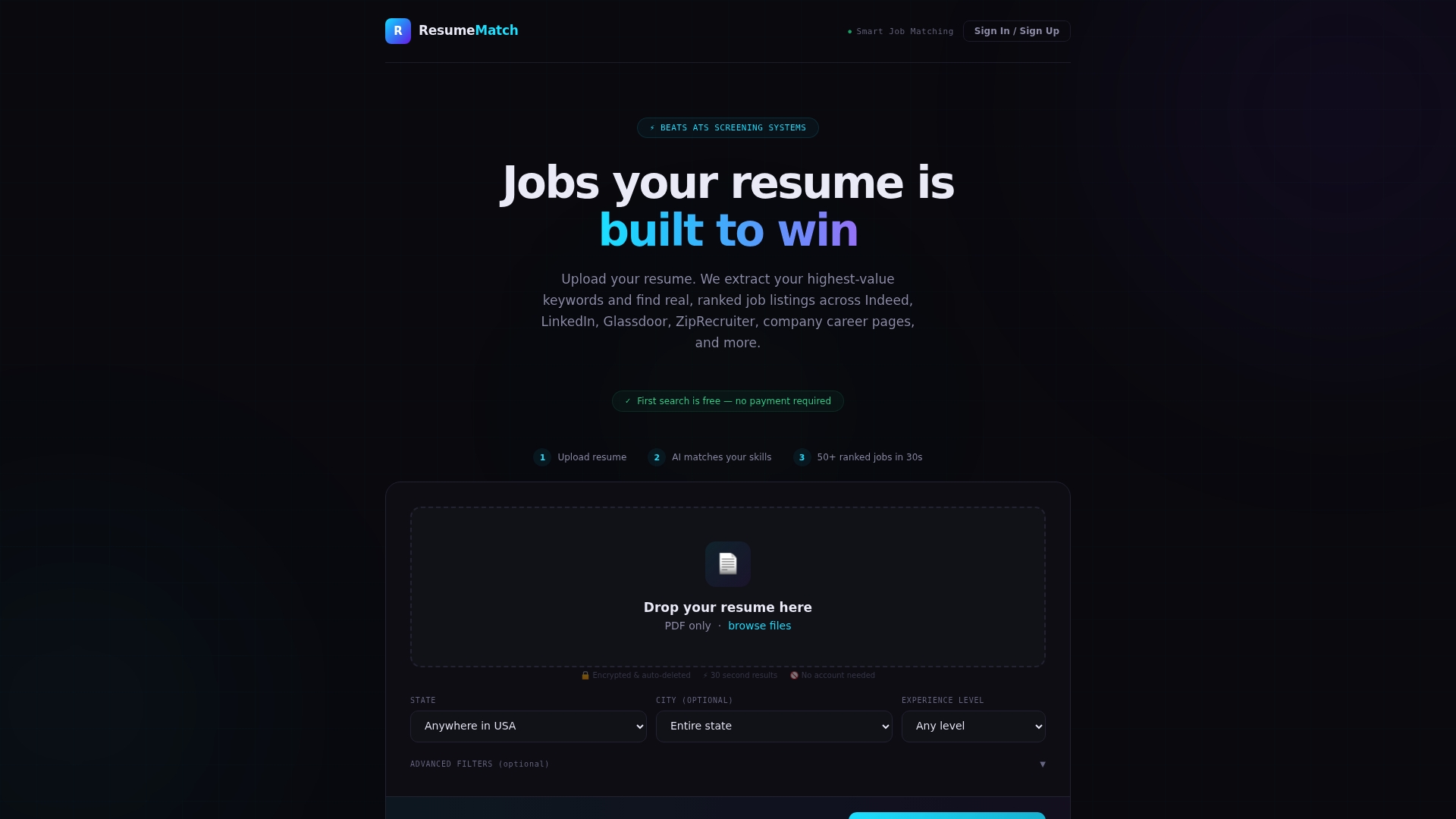
Sources
- Resume Essentials Participant Guide 2026
- How to Highlight Transferable Skills on Your Resume and LinkedIn Profile When Changing Industries – UCLA | Career Center
- Career Change Resume (Purdue Global blog)
- How to make your resume stand out (HBS Online blog)
FAQ
What is the 30-30-30 rule for career change?
Definitions of this rule vary across career coaching sources, and no single authoritative version is consistently cited. Rather than relying on a specific rule, focus on the practical steps that matter most: naming your target role clearly, mirroring the new field’s language, and building proof through projects or relevant experience.
How do you explain a career change on a resume?
Don’t explain it directly, show it. A targeted summary that names your destination role, paired with a skills section and relevant projects in that field, makes the pivot self-evident without needing a defensive paragraph about why you’re switching.
What is the 7 second rule in resume?
The idea is that recruiters form an initial impression of a resume within seconds of scanning it, which is why the top third, your summary and skills section, needs to carry your strongest, most relevant proof points immediately. If that section doesn’t name your target role and back it up fast, the rest of the page may not get read closely.
What’s another way to say career change?
Common alternatives include “career transition,” “career pivot,” and “career switch.” Using these terms naturally in your summary or cover letter can also help match language recruiters and ATS systems search for in your target field.